

How to Organize Digital Photos

Organizing photos can, shall we say, feel extremely overwhelming. In the age of smartphones, we are all walking around with thousands of memories tucked away in our pockets, but the sheer volume of images often leads to a specific kind of digital paralysis. When we know that our photos are a mess, we feel anxious. We either feel like we might lose something precious, or the volume is simply too much to process. We feel out of control of them. However, once you get everything sorted, deleted, or moved to the right folders, that anxiety goes away.
The purpose of photos is enjoyment, not stress. They are meant to be looked at and shared, not buried under a mountain of accidental screenshots and blurry duplicates. One quick tip to start today is to put a heart or star by your favorites. This simple habit makes them significantly easier to find in the future when you are ready to print or share them. For more ways to handle the various types of mess in your life, look to The Uncluttered Life’s Declutter Deck® for tips and tricks about home organization that bring peace to your physical and digital spaces.
The Mental Weight of Digital Clutter
It is a common misconception that digital items do not count as clutter because they do not take up physical space on a shelf. In reality, photos take up a massive amount of mental and emotional space. Every time you open your camera roll to find a specific memory and have to scroll through five hundred look-alike photos, your brain is doing extra work.
We have to ask ourselves why we keep all these photos. Are we actually honoring our memories, or are we just hoarding data? A good, annual book of photos will encourage conversation as opposed to just scrolling through a bunch of repetitive images that should have been deleted long ago. By narrowing your collection down to the best of the best, you actually increase the value of the photos you choose to keep.
Setting Up Your Digital Workspace
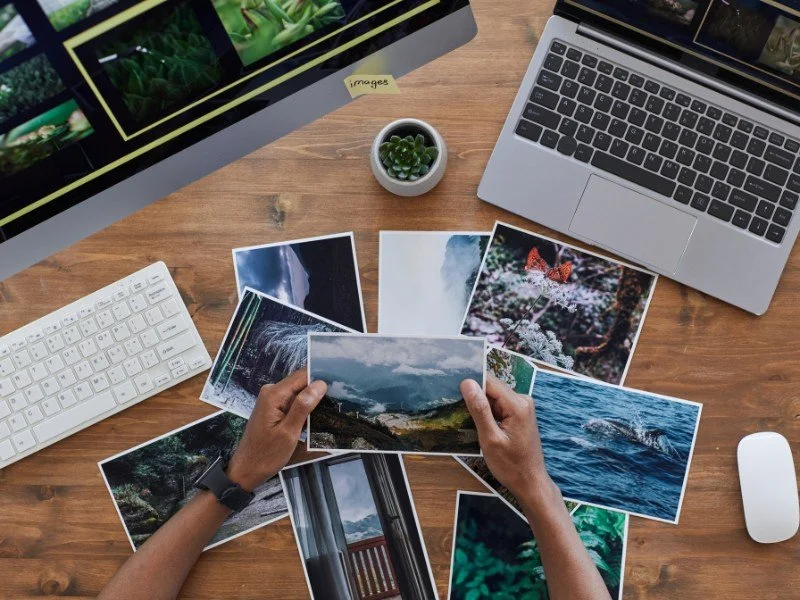
To learn how to organize digital photos effectively, you need a central command center. It will be easiest to gather all digital photos together on a computer with an external hard drive. This gives you a tangible backup that you own and control.
Once you have your local files sorted, you should utilize a cloud service. A cloud service is essentially someone else’s server that gives you access to things remotely. It provides an essential layer of backup, security, and accessibility. When your photos are in the cloud, you can find and utilize them from any device without eating up all the internal storage on your phone.


Action Steps to Organize Your Photos
If you are ready to take control of your digital legacy, follow these steps to move from chaos to a streamlined system.
Centralize and List
The first step is to put all your photos in one place. This sounds simple, but in the modern world, photos are often scattered across old laptops, tablets, thumb drives, and various social media accounts. Make a list of every location where you have digital photos saved. Once you have your list, begin the process of moving them all into one master folder on your computer or external drive.
Let Technology Do the Heavy Lifting
Technology is a gift when used correctly, and it can be your best friend during this process. Do not try to sort every photo manually. There are many programs available that can find duplicates and near-duplicates for you. You can also use software to sort photos into folders automatically by year and month. Setting up smart folders can also help you categorize images by person or location without you having to lift a finger.
The Reverse Deletion Strategy
When you finally sit down to scroll through your photos to delete them, you must resist the urge to delete the junk photos first. If you start at the beginning of your library and try to find every bad photo, it will take too many hours to scroll all the way back to the beginning. Instead, focus on identifying your favorites first. When you know what you want to keep, the junk becomes much easier to spot and remove in bulk.
The Rule of Three for Backups
To ensure your memories are safe, follow the industry standard for backups. Make three copies of your photos. Place one copy on your local computer or an external hard drive. Keep one copy offsite in a reputable cloud service. Keep a third selection of your most recent or favorite photos on your phone for easy access. This redundancy protects you against hardware failure, loss, or accidental deletion.
Bring Your Photos into the Physical World
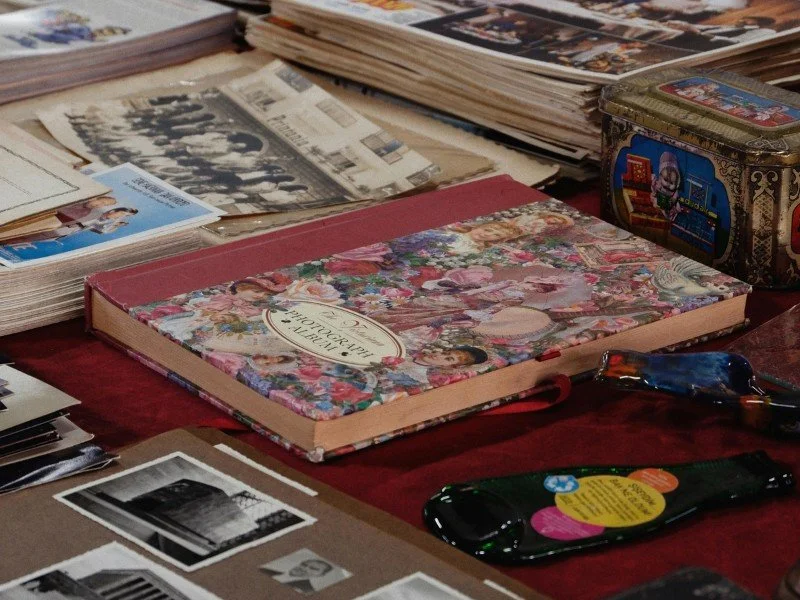
Once you have organized and backed up your photos, make a book. A photo book made from your favorite photos is a wonderful gift for yourself or your family. It turns a digital file into a tactile experience. There are many programs available to help you with this. I tend to use Chatbooks because of their simplicity, but there are many other excellent options on the market.
Enjoying Your Memories Again
Learning how to organize digital photos is about more than just clearing storage space. It is about making your memories accessible so they can fulfill their true purpose. When your photos are organized, you can spend less time scrolling and more time reflecting on the beautiful moments of your life.
If you are looking for more ways to simplify your life and reduce your daily stress, browse our latest blog posts for inspiration. Using the Declutter Deck® can also help you apply these organization principles to every room in your home, ensuring that your environment is as clear as your new photo library.